
 PREMIUM
Premium IPTV Player Collection
Filex TV Players
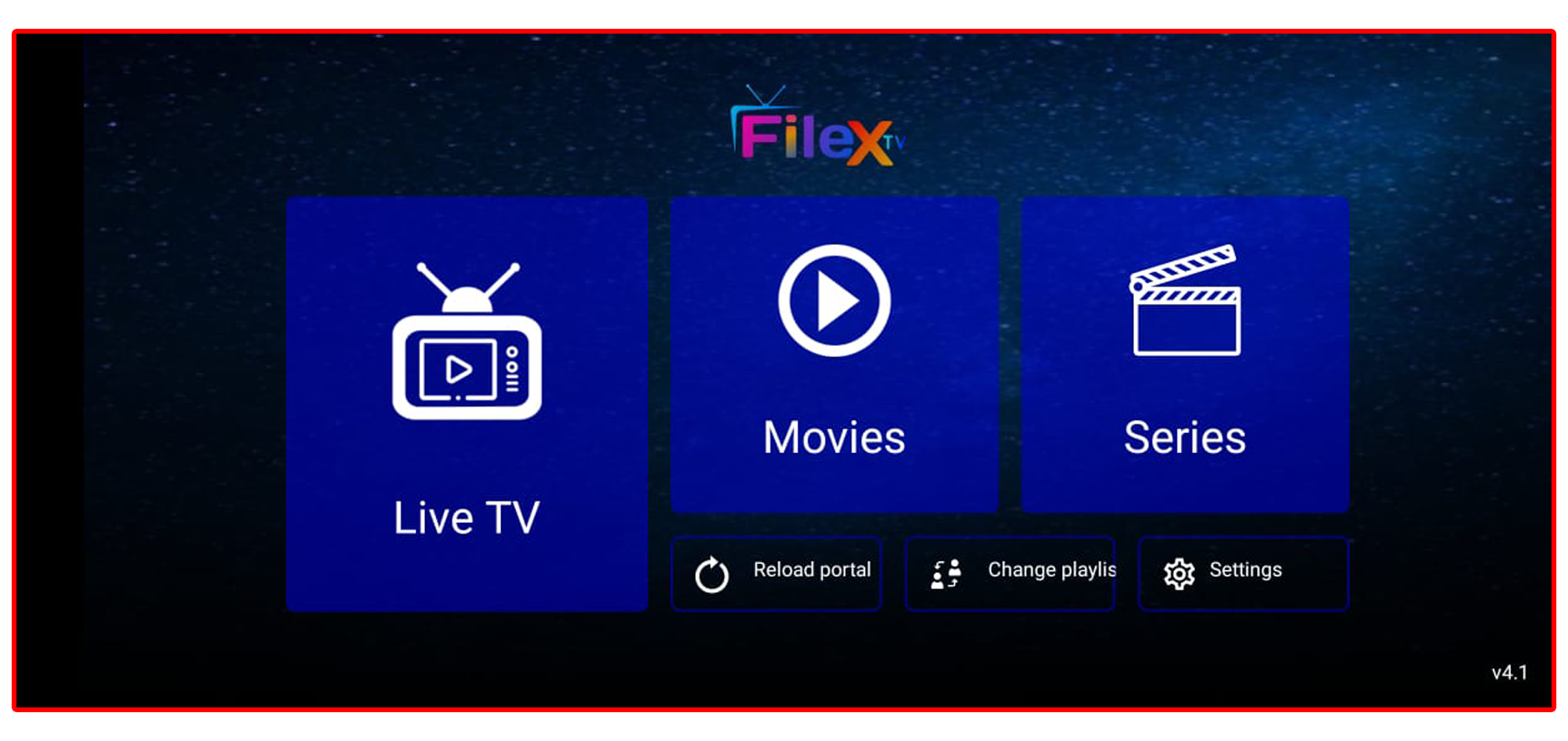
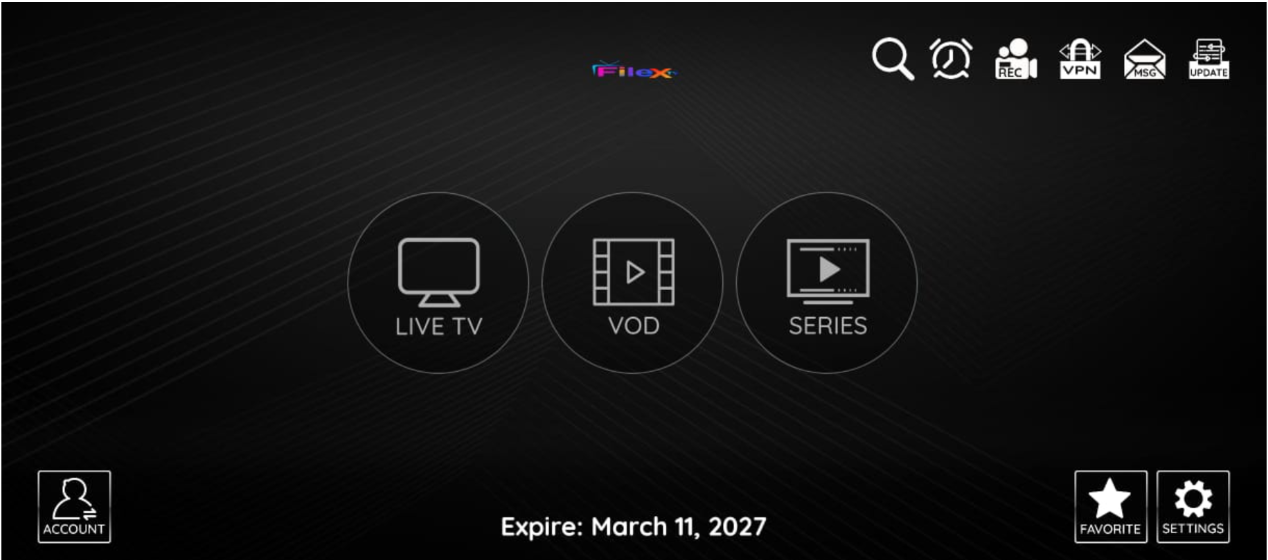
Premium IPTV applications with clean preview, fast performance and quick download. Choose your favourite Filex TV player for Android, iOS, Windows or Smart TV.
Filex TV Reseller Panel Domains
Use any of the following secure domains to access your reseller control panel.
Reseller Panel Link Domain 1
https://filex.me:2096
Open Panel
Reseller Panel Backup Domain 2
https://filexott.uk:2096
Open Panel
Reseller Panel Backup Domain 3
https://filex.cc:2096
Open Panel
Download Filex TV Apps
Select your preferred application, preview the interface and download instantly.
PREMIUM
 Latest
Filex TV
 BEST
BEST
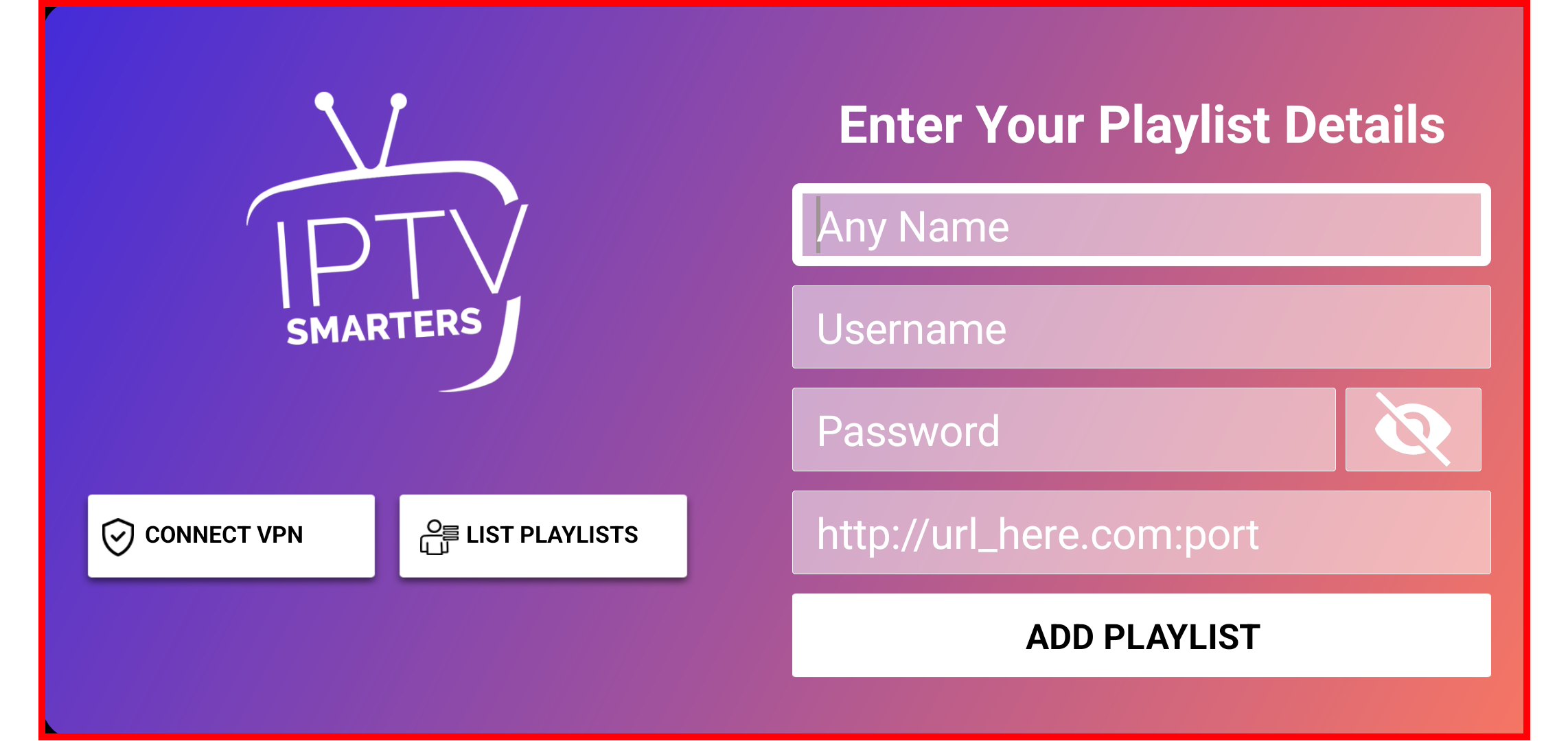
Smarters Pro for iOS
 FAST
FAST
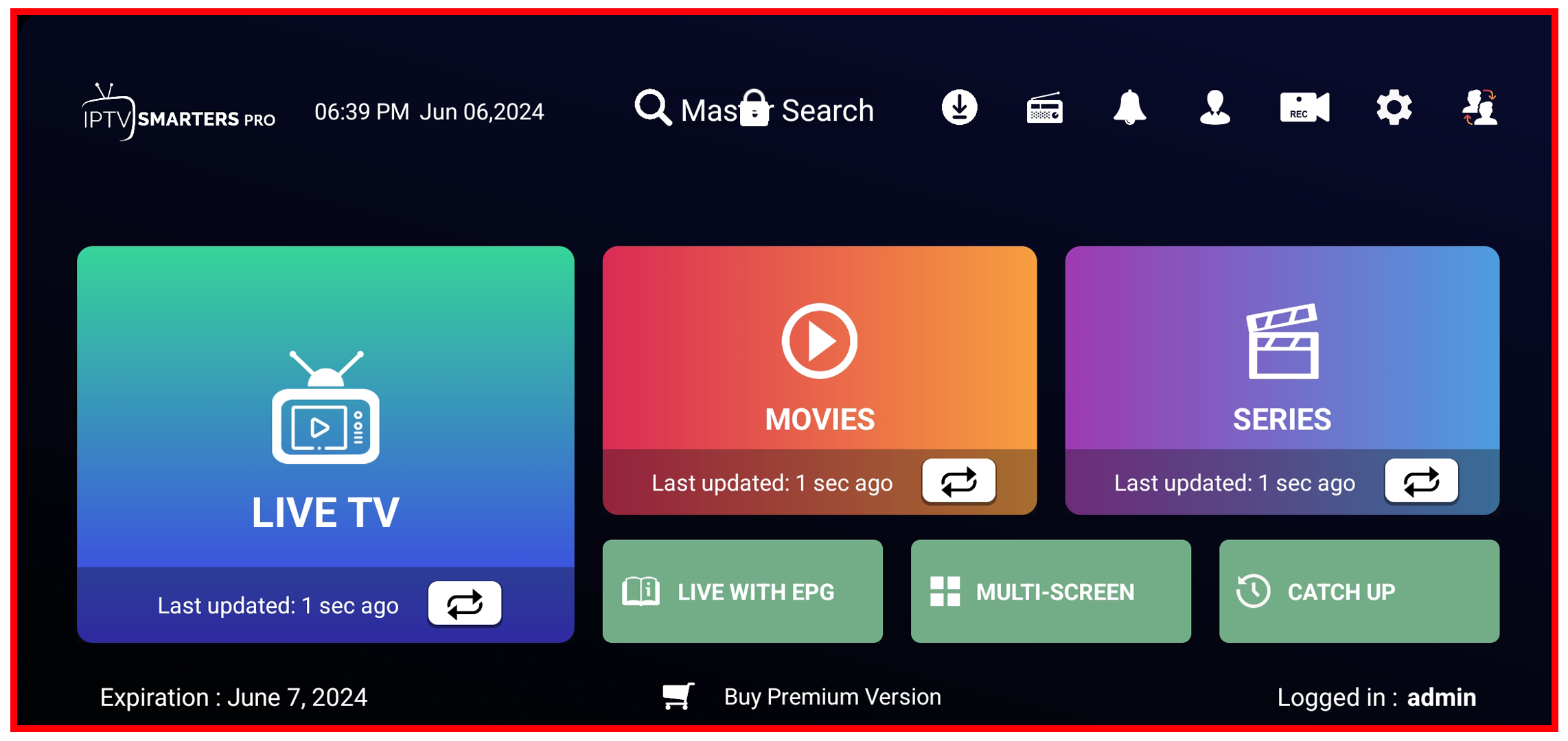
Smarters Pro for Windows
Compatibility & Performance
Filex TV players are optimised for multiple devices and connection types.
XTREAM CODES API
100%
M3U FILE
98%
SMART TV
92%
ANDROID SMARTPHONE
95%
MAC PORTAL
90%
ENIGMA DEVICES
85%
Trusted by IPTV Users Worldwide
Our players are used every day by thousands of happy clients and resellers.
92,432
Happy Clients
75,121
Activated Lines
14,263
Hours of Support
15,275
Resellers & Partners
Frequently Asked Questions
Quick answers to the most common questions about Filex TV players.
For Android smartphones, Android TV boxes and Fire TV, we recommend using
Filex TV Latest Version. It supports Xtream Codes API, m3u file and device login with fast
channel zapping and smooth playback.
Filex TV is only a player. To watch channels and movies you need an active IPTV subscription.
Please contact your IPTV provider or our support team to get your login details or playlist link.
No. Filex TV is an IPTV player only and does not provide any channels or VOD content itself.
You must use your own legal IPTV subscription or playlist from a third-party provider.
Features are very similar but the layout is optimised for each platform. The iOS version is installed
directly from the App Store, while the Windows version is a standalone EXE installer designed for PC or laptop users.